Invite · reply · share the album
Plans with your people.
Make a plan, send one link, everyone replies in a tap — and the shots land in one album.
- 01Make a planDay, time and where to meet.
- 02Send one linkFriends reply In or Out. No app needed.
- 03Share the albumEveryone's shots in one place.




What's in a plan
Everything the group chat loses, in one place.
01 · Invite
One link, everyone replies.
Drop the invite in the group chat. Friends open it, sign in once with no password, and answer In or Out. No app needed.
02 · Crew
Names, not thumbs-up.
See who's in, who's out and who hasn't replied yet, with the spots left at a glance. Only the host sees who's out or still to reply.
03 · When
Pick a day that works.
The date picker marks the days you already have plans, so nothing clashes. Times always show in the plan's own time zone.
04 · Changes
When plans move, it’s all on the plan.
Change the time or the meeting point and everyone who opens the plan sees a heads-up with exactly what changed, old and new side by side.
05 · Album
One album for everyone's shots.
Everyone who's in adds their photos to one private album. Location data is removed from every shot, and anyone can save the lot when it's over.
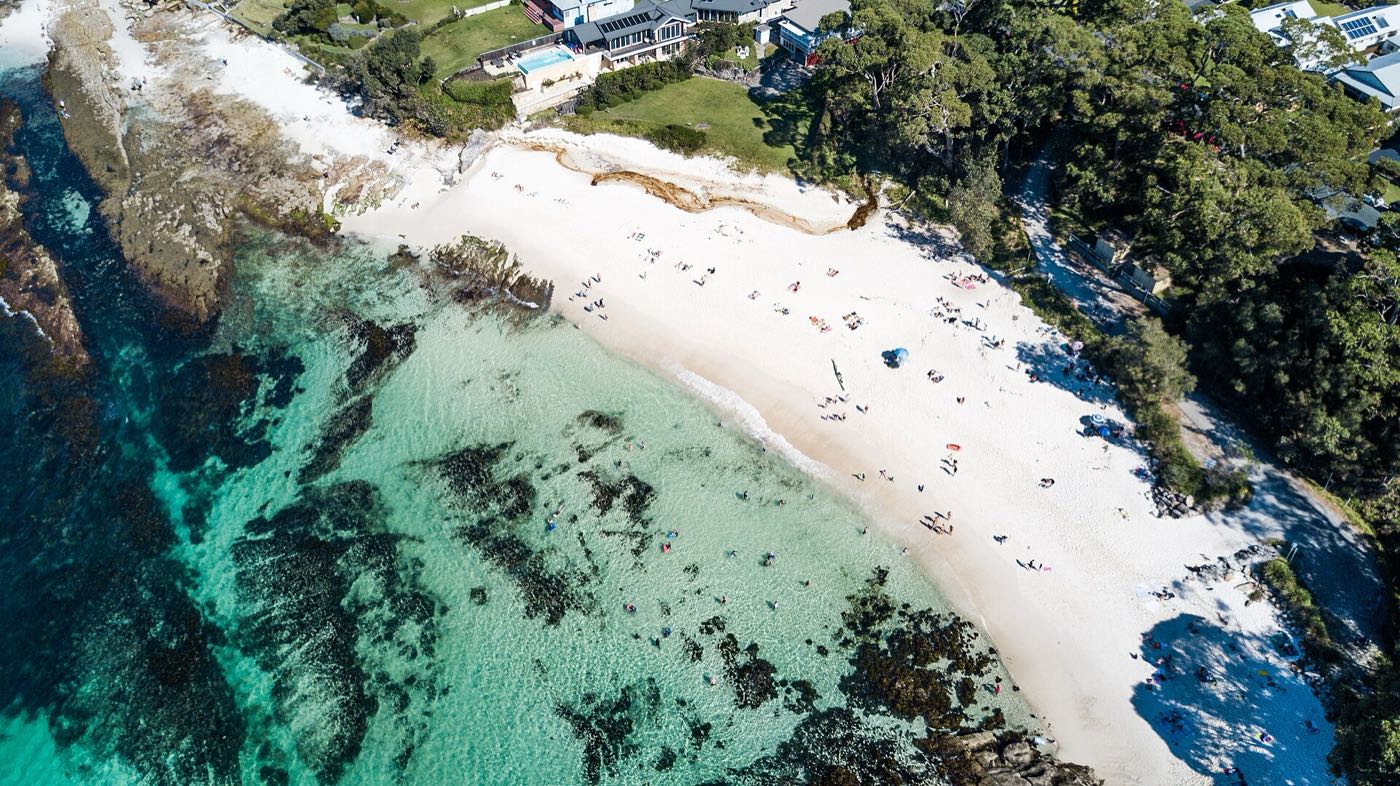
Photos, cropped: Prof. Chen Hualin (CC BY-SA 4.0), Robert Linsdell (CC BY 2.0), Phil Whitehouse (CC BY 2.0)




Private by defaultOnly people with the link can see a plan exists, and plans never show up in search.
No passwordsSign in with a link and a 6-digit code sent to your email.
No app needed to replyFriends answer from the link in any browser, with nothing to install.